

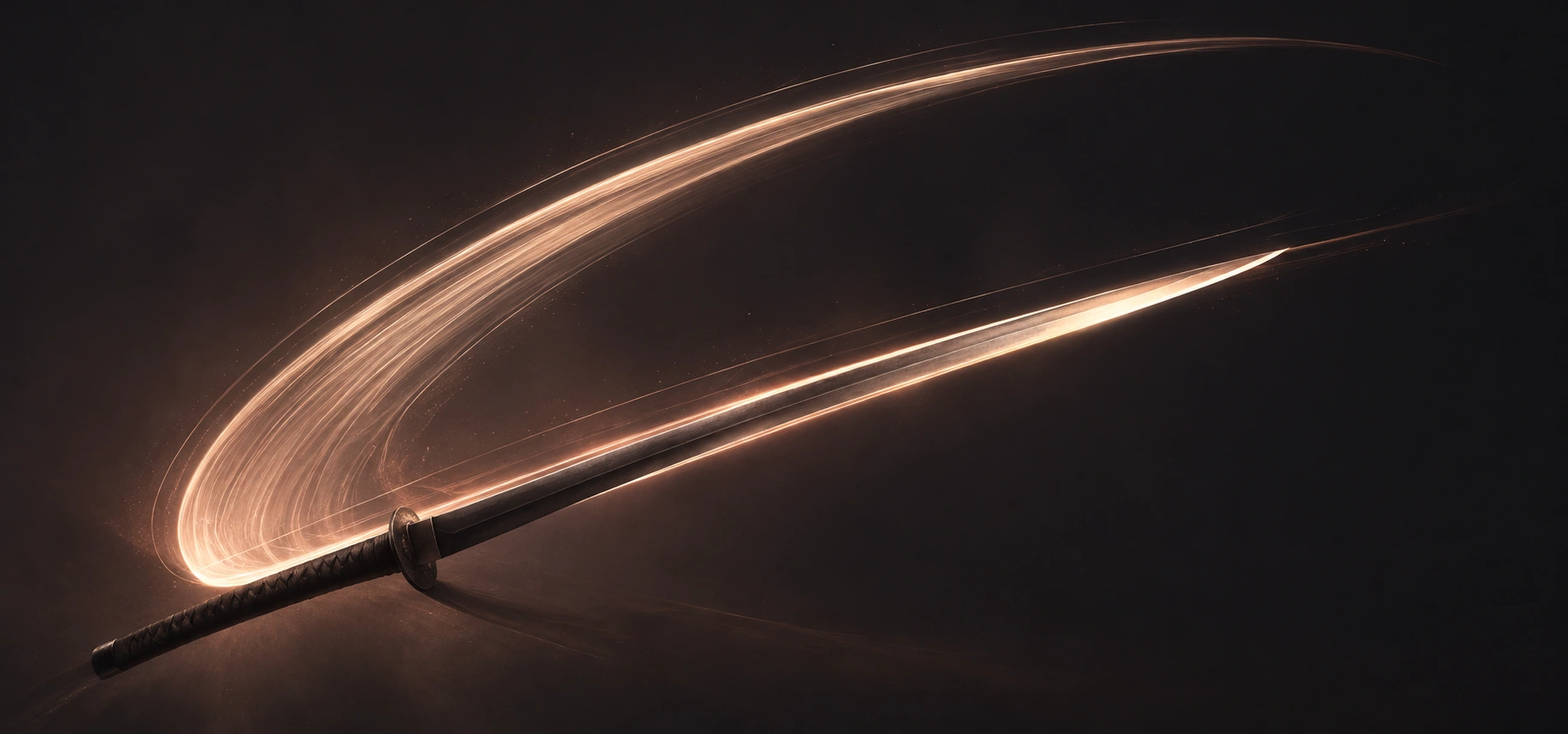
Blade swing
A fast sword swinging through the air with a clean whoosh.
Sync blade swings, clashes, and draws to the action.
AI-generated audio · Sound use and commercial projects
Try These Sword Sound Effects
Explore ready-to-use examples or create your own.
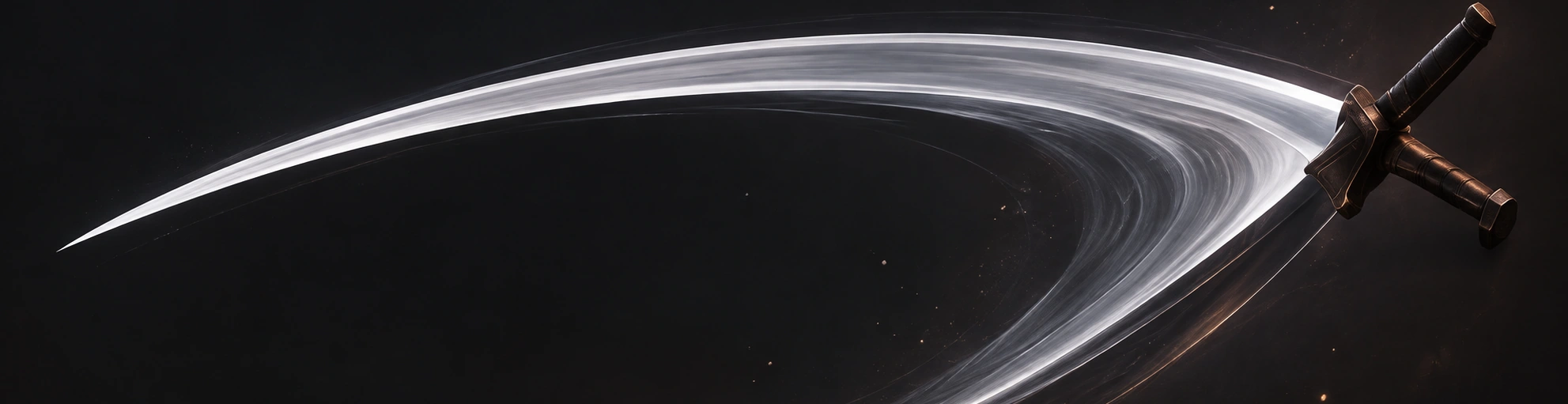
Blade swing
A fast sword swinging through the air with a clean whoosh.

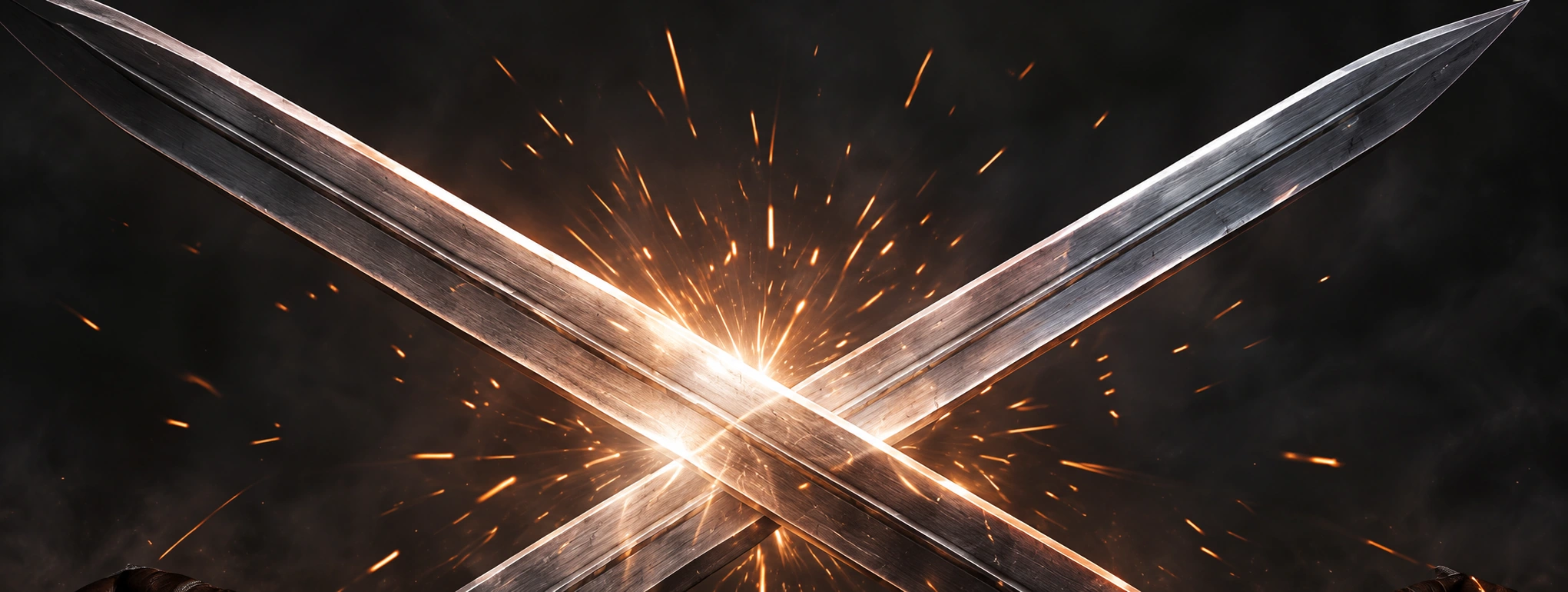
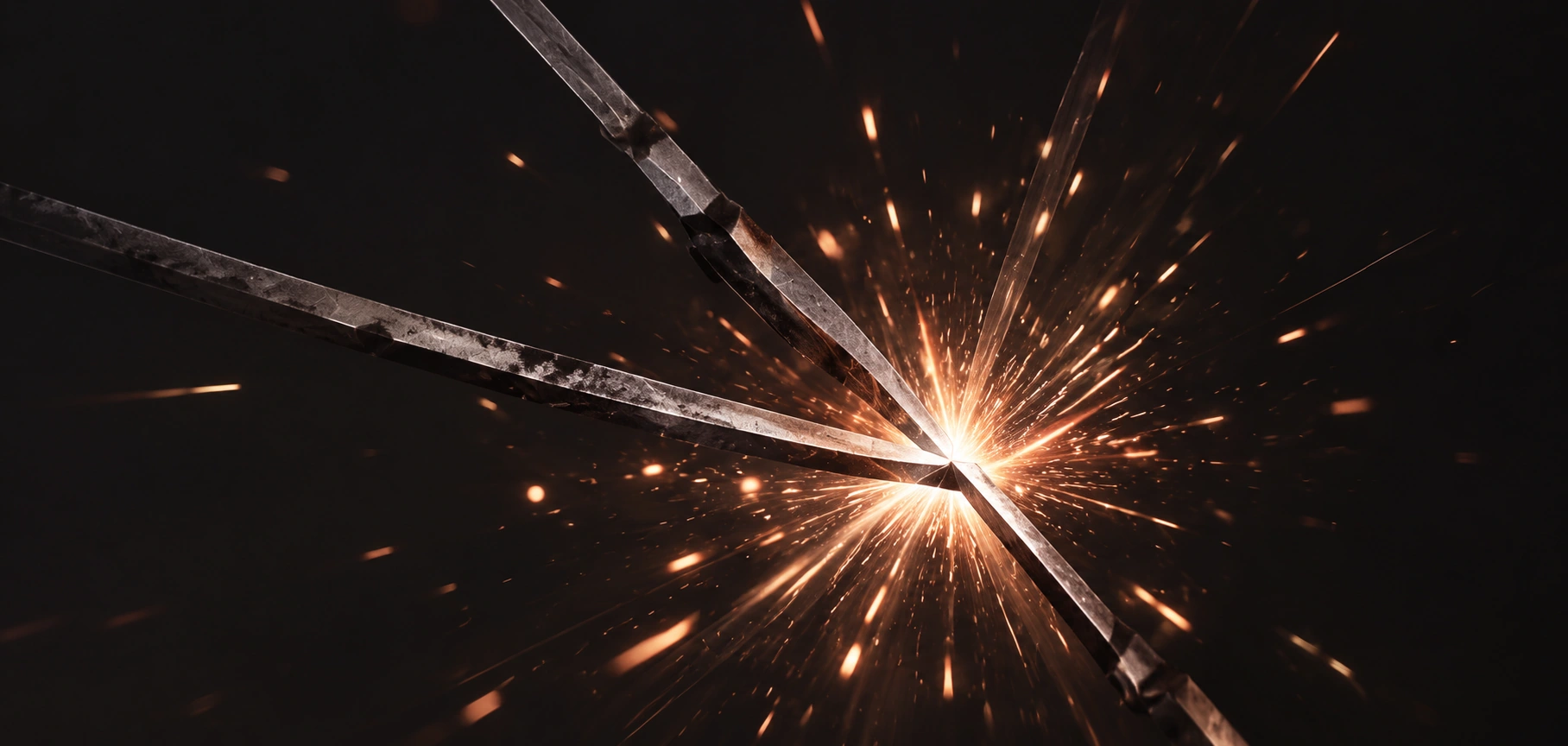
Metal clash
Two blades hit with a bright, sharp impact and ring.

Weapon draw
A sword being drawn from a sheath with a crisp slide.
Different sword actions have distinct sound characteristics. Separating them helps you get cleaner, more controllable results in your edit.
Example prompt
Place the impact sound on the exact contact frame and adjust the swing and ring-out around it. This makes the action feel responsive and believable.
See animation guide
Different metals and blade weights create different tones. Use prompts to control the character, from light and sharp to heavy and deep.
Light blade
Standard steel
Heavy blade
Example prompts
Separate Blade Swings, Clashes, and Draws
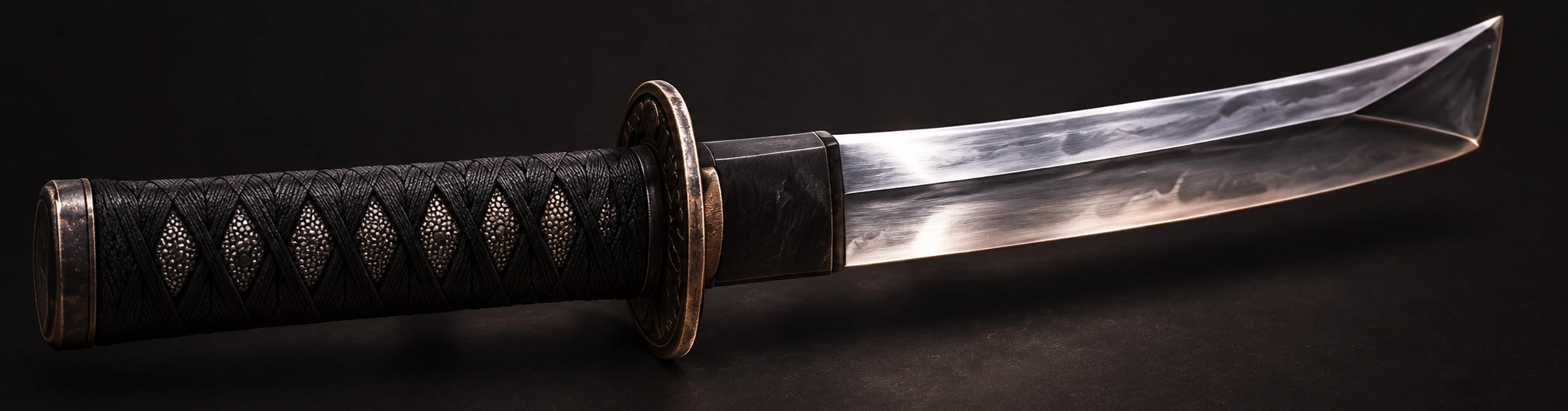
Different sword actions have distinct sound shapes. Use separate sounds for swings, clashes, and draws to make combat feel clear and powerful.
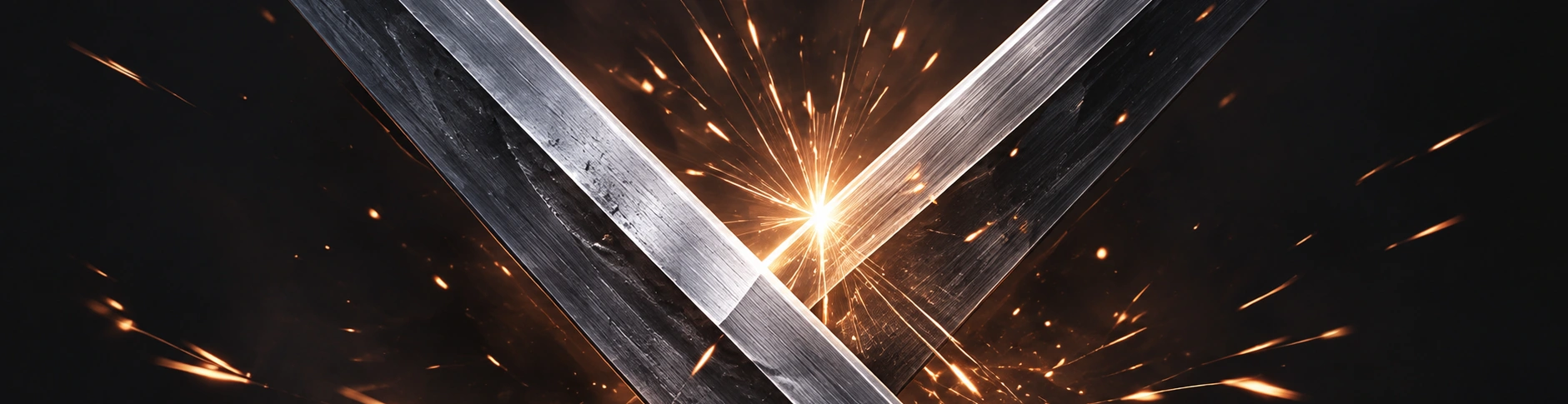
Sync Weapon Audio to Attack and Parry Animations
Place the sound at the right moment in the timeline. Align the impact with the exact contact frame for a natural, responsive feel.
Example prompt
Try these prompts or write your own.
Shape Metal, Weight, and Ring-Out
Adjust the material, weight, and tail length to match your weapon and style. Heavier swords sound deeper and longer, while lighter blades are sharper and shorter.
Light blade
Standard steel
Heavy blade
Example prompt
Try these prompts or write your own.
More Prompt Ideas
Try these prompts or write your own.
For complex scenes, layer multiple sounds and vary each strike. Small changes in timing, pitch, and tail length make repeated attacks sound natural instead of repetitive.
More sound design tipsLayering example
Build a complete sword action
Layer 2–3 sounds at lower volumes for a bigger, more realistic effect.
Frequently Asked Questions
Place the main impact on the exact frame where the blades meet. Add a short whoosh just before and let the ring-out play for a few frames after. Adjust by ear and nudge a few frames until it feels right.
Vary the pitch, length, and intensity for each strike. Try different combinations of swing, impact, and ring-out sounds, with subtle EQ or reverb to create variety.
Generate custom AI sounds from your description. All ready-made examples were generated with ElevenLabs Sound Effects.
Keep exploring
A different sound for your next idea.