


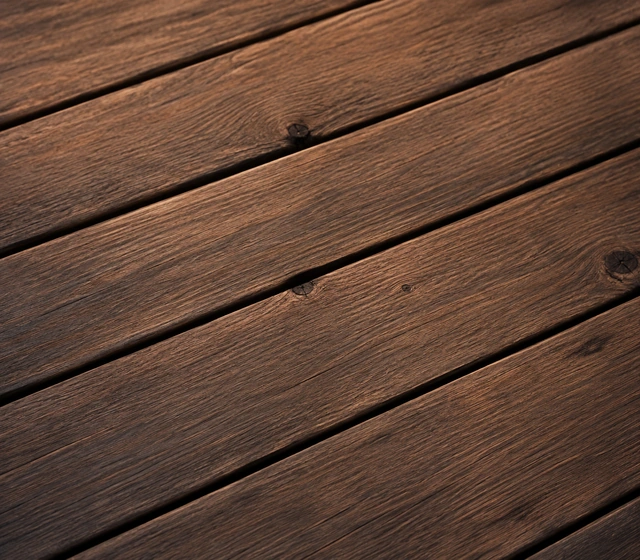
Wood floor
Regular steps on a wooden floor.
Match surfaces, shoes, and movement to your scene.
AI-generated audio · Sound use and commercial projects
Try These Footstep Examples
Start with a sample or write your own prompt.
Wood floor
Regular steps on a wooden floor.

Gravel path
Crunchy steps on loose gravel.

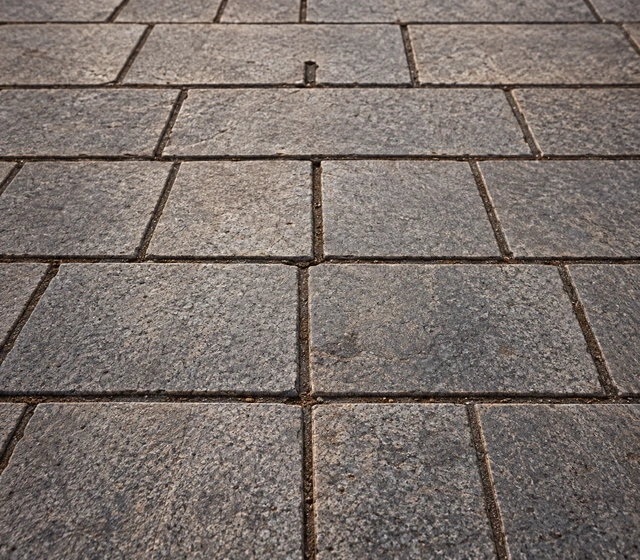
Stone hallway
Echoey steps in a stone corridor.
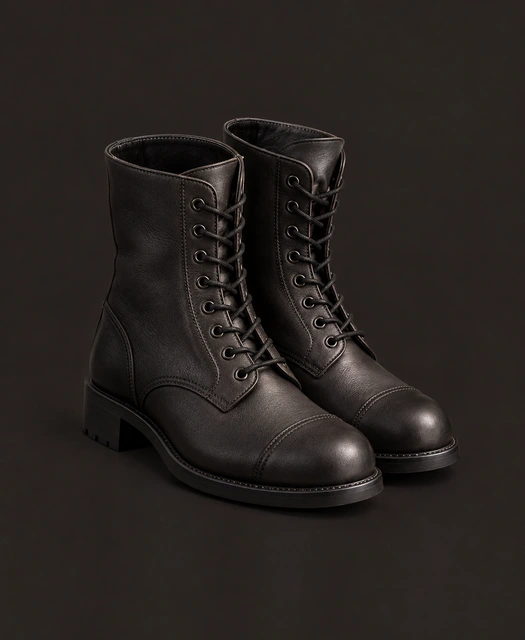
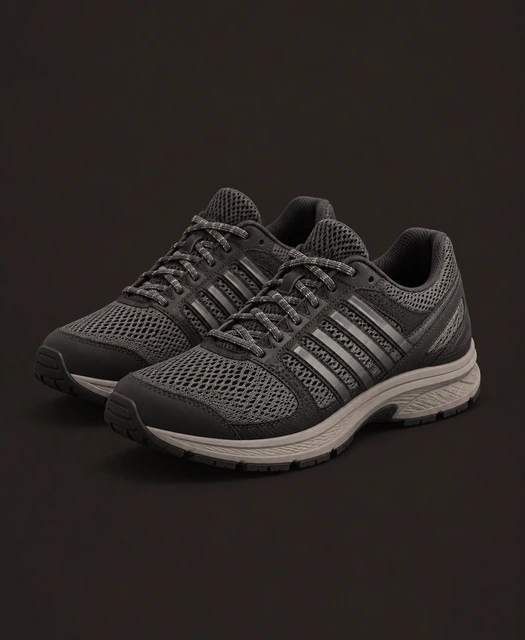
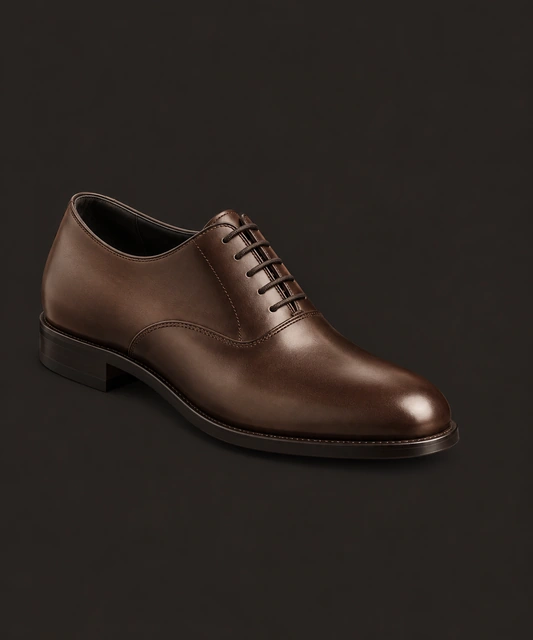
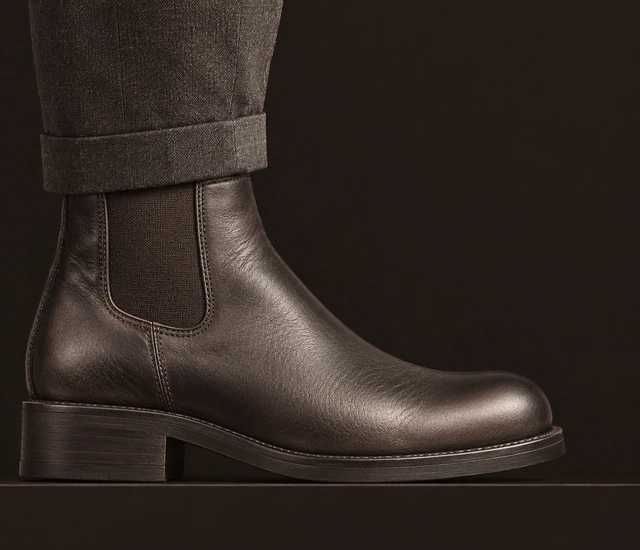
Different surfaces and footwear create distinctive footsteps. Match the combination to your scene for a more believable result.



Common surface sounds


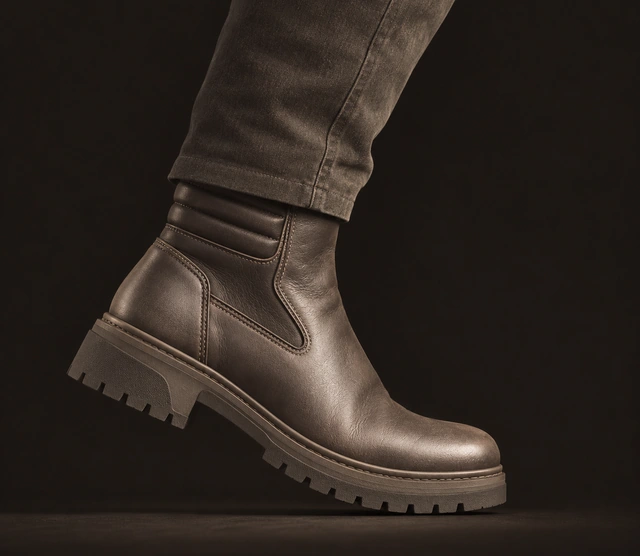
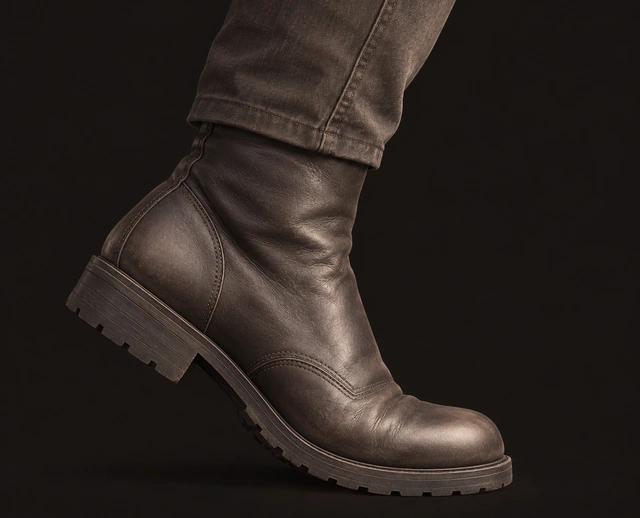
Common footwear sounds
Typical gaits


Common footwear sounds
Match the gait and speed to the action. Each movement has a different rhythm and feel.
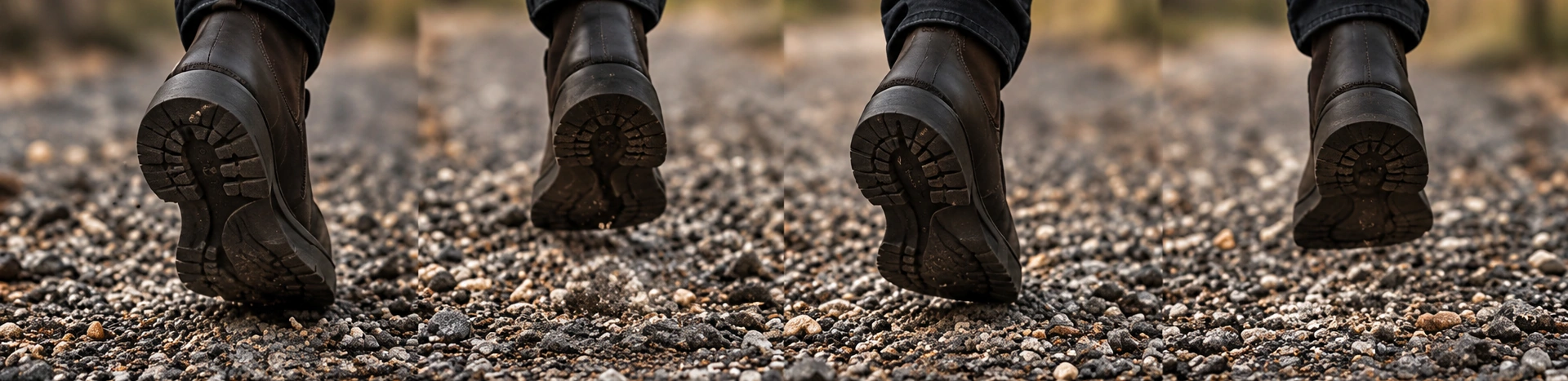
A natural walk alternates left and right footsteps with consistent timing.
Prompt examples
These details change how footsteps feel in your scene.
Close, medium, or distant.
Dry, indoor, outdoor, or with natural reverb.
Slow, normal, or fast.
Perspective
Room tone
Small changes in timing, weight, and surface detail keep repeated footsteps sounding natural.
Generate a few variations and combine them for longer sequences.
Quick answers to common questions about creating and using your sounds.
Use natural variation. Change the timing, volume, and tone slightly for each step. Mention small details in your prompt, such as shifting weight, different foot pressure, or uneven ground.
Use a loop for continuous movement, such as background characters. Use individual steps when you need precise timing or want to match a specific animation or video edit.
Generate custom AI sounds from your description. All ready-made examples were generated with ElevenLabs Sound Effects.
Keep exploring
A different sound for your next idea.