
Soft tap
A light, modern tap for everyday UI.
Create crisp feedback for presses, releases, and toggles.
Soft interface tap
A clean, tactile click for UI buttons.
AI-generated audio · Sound use and commercial projects
Small sound. A more responsive experience.
Try these example prompts
Try these prompts or write your own.
Try These Button Click Sound Effects
Start with a sample and make it your own.
Soft tap
A light, modern tap for everyday UI.
Mechanical click
A crisp, physical style click.

Toggle cue
A short cue for on/off toggles.
Different interface actions need different sounds. A quick press confirms the tap, a softer release can feel refined, and a distinct toggle cue helps users notice a state change. Use short, clean audio to keep your interface responsive without being distracting.
Taps, Ticks, and Mechanical Styles

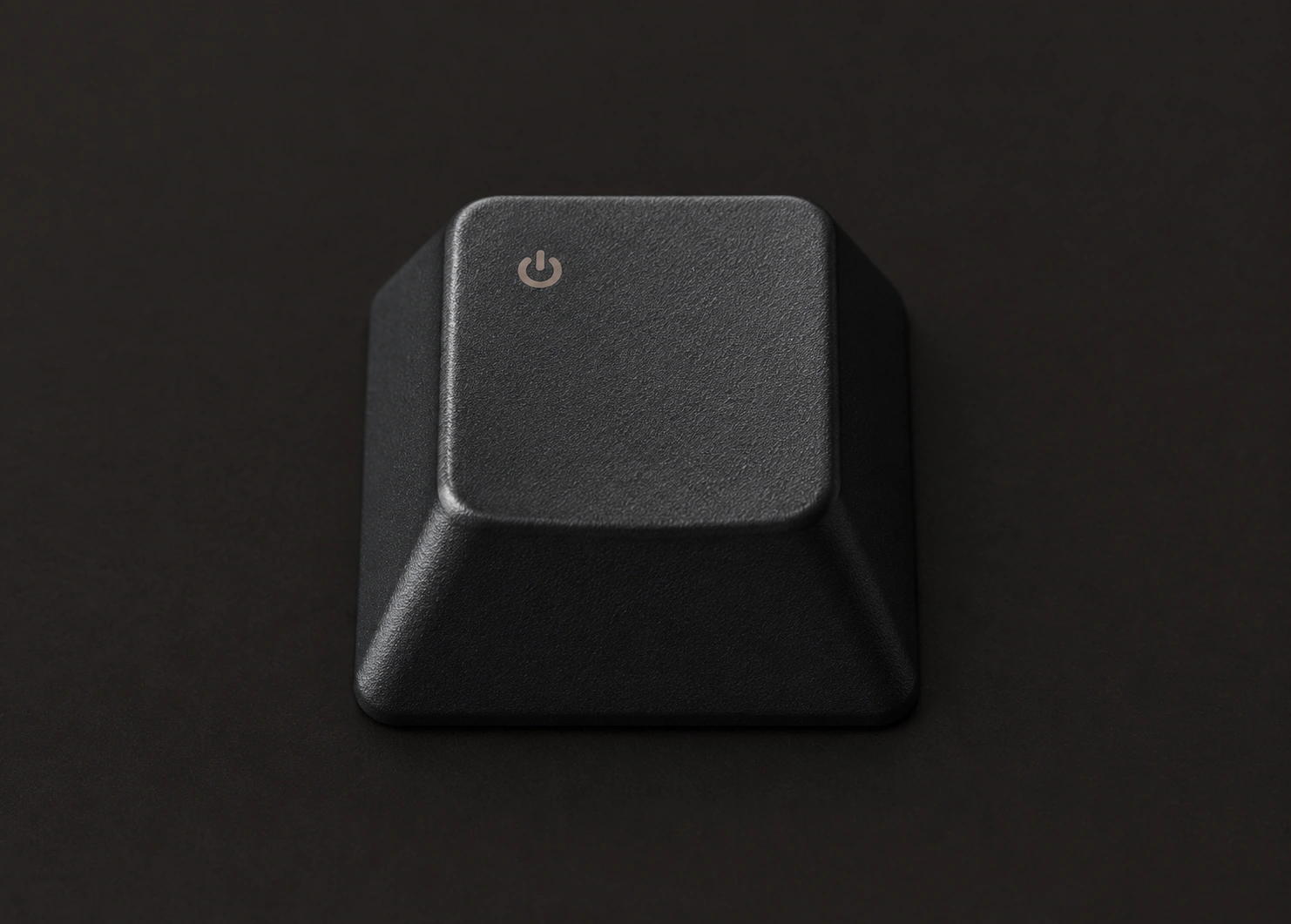
Create anything from a soft, modern tap to a crisp mechanical click. Softer taps work well for clean, modern interfaces, while ticks and mechanical clicks add more character. Match the sound to your product’s personality and keep it short and clean.
Try different stylesButton sounds should start immediately and end cleanly. Remove leading silence, keep the core transient tight, and avoid long tails. A short, well-shaped sound feels snappy and professional.
From noisy to clean
Example Prompts for Button Sounds
Popular UI Click Sound Effects
Start with a sample and make it your own.
Soft tap
A light, modern tap for everyday UI.
Mechanical click
A crisp, physical style click.
Toggle cue
A short cue for on/off toggles.
Match Feedback to Press, Release, and Toggle States
Different interface states deserve different sounds. Use a soft tap for press, a lighter tick for release, and a distinct cue for toggles. Consistent feedback helps users feel in control.
Choose Taps, Ticks, and Mechanical Clicks
Taps feel soft and modern. Ticks are lighter and good for subtle feedback. Mechanical clicks add satisfying weight. Match the sound to your product’s personality and the importance of the action.
Trim Silence and Shape Short Transients
Remove leading silence so the sound feels immediate. Keep it short and clean, and shape the transient for clarity without harshness.
From noisy to clean
Keep UI sounds very short and avoid low-frequency rumble.
Interfaces can trigger sounds quickly, especially on repeated clicks or long presses. Keep each cue short, avoid overlapping tails, and use a consistent style across similar controls so the experience feels polished and predictable.
Rapid tap handling
Short, clean sounds prevent overlap and keep the interface clear.
Stay consistent
Use a consistent style across all related controls.
Rapid taps
Many clicks in a row.
Overlapping sounds
Sounds get messy.
Keep a consistent sound set
Use a unified style across your interface.
Frequently Asked Questions
Most button sounds work well between 20–100 milliseconds. Keep it as short as possible while still feeling clear and satisfying.
Use very short sounds with no long reverb or tail. Trim leading silence and keep a clean ending to avoid overlapping sounds during fast repeated clicks.
Generate custom AI sounds from your description. All ready-made examples were generated with ElevenLabs Sound Effects.
Keep exploring
A different sound for your next idea.