

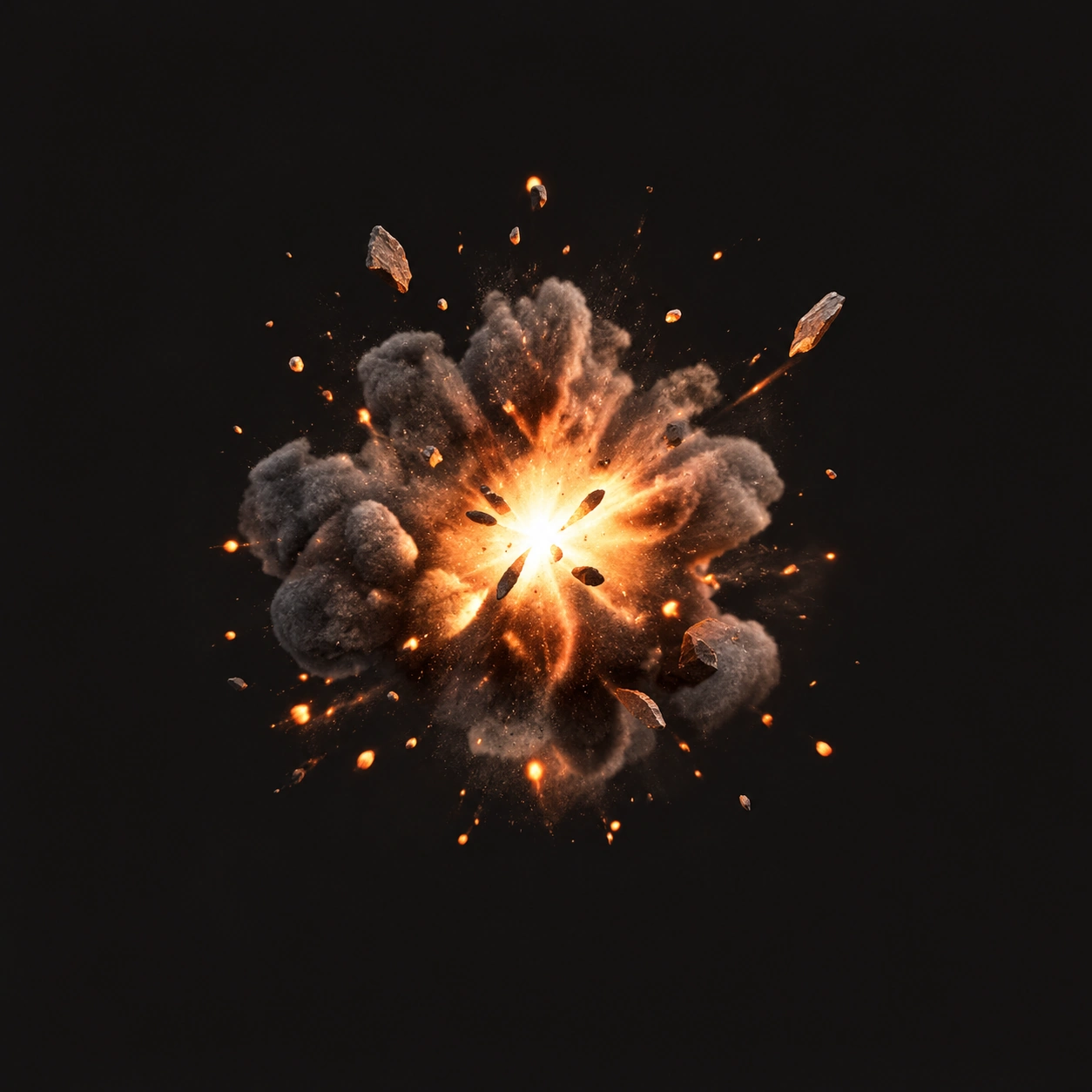
Close blast
A sharp blast with a short rumble.
Build the blast, debris, and rumble your scene needs.
AI-generated audio · Sound use and commercial projects
Build the Blast, Debris, and Rumble
Three layers create a realistic explosion: the initial blast, debris details, and a low-end rumble.
Close blast
A sharp blast with a short rumble.
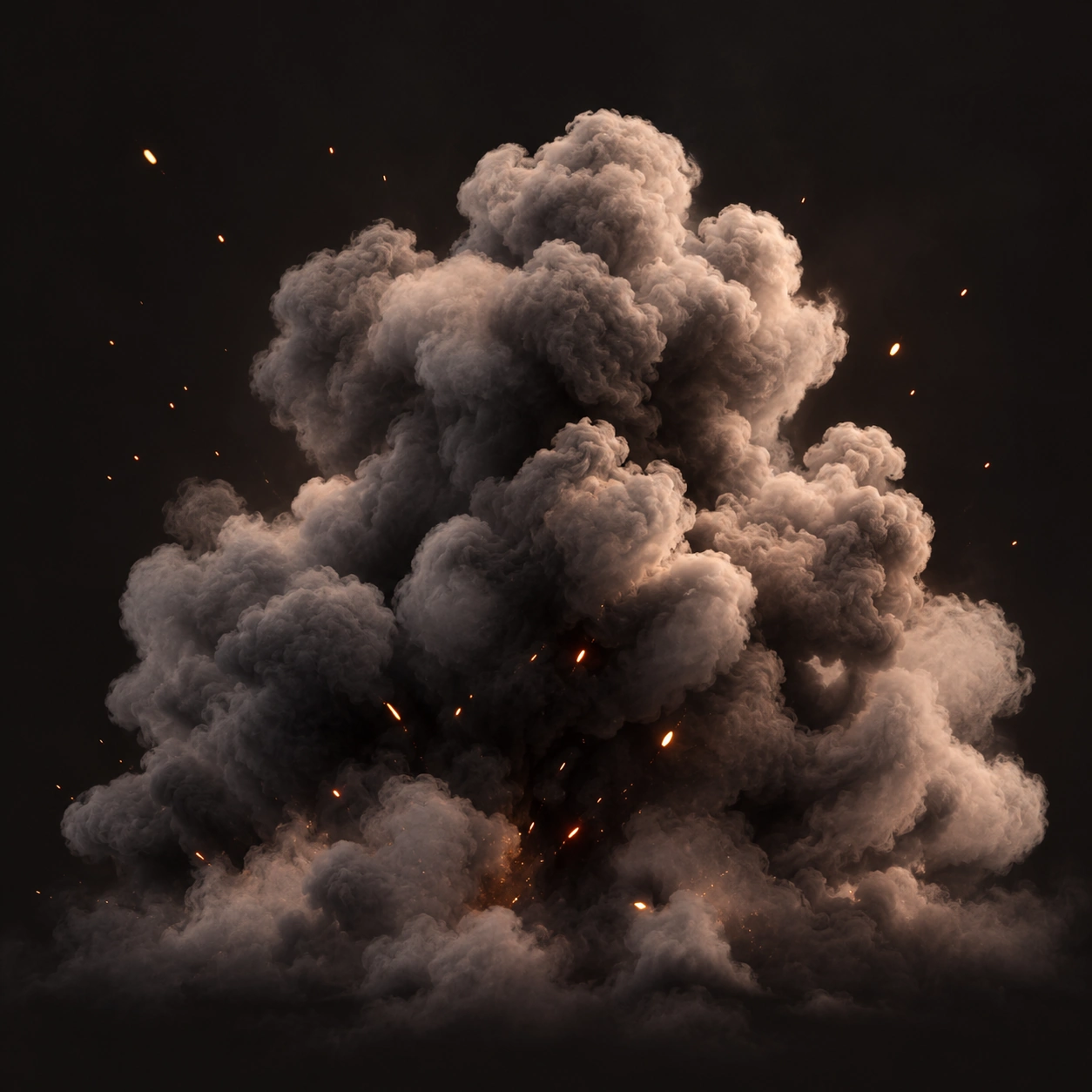
Distant rumble
A long, atmospheric low rumble.

Sci-fi impact
A bright energy blast and metallic debris.
A natural explosion has a clear structure. Shape each layer to match your scene, from a sharp transient to a long rumble.
The anatomy of an explosion
Example prompts for explosions
Try these prompts or write your own.
From blockbuster moments to small in-game effects, generate explosion sounds that fit your project.

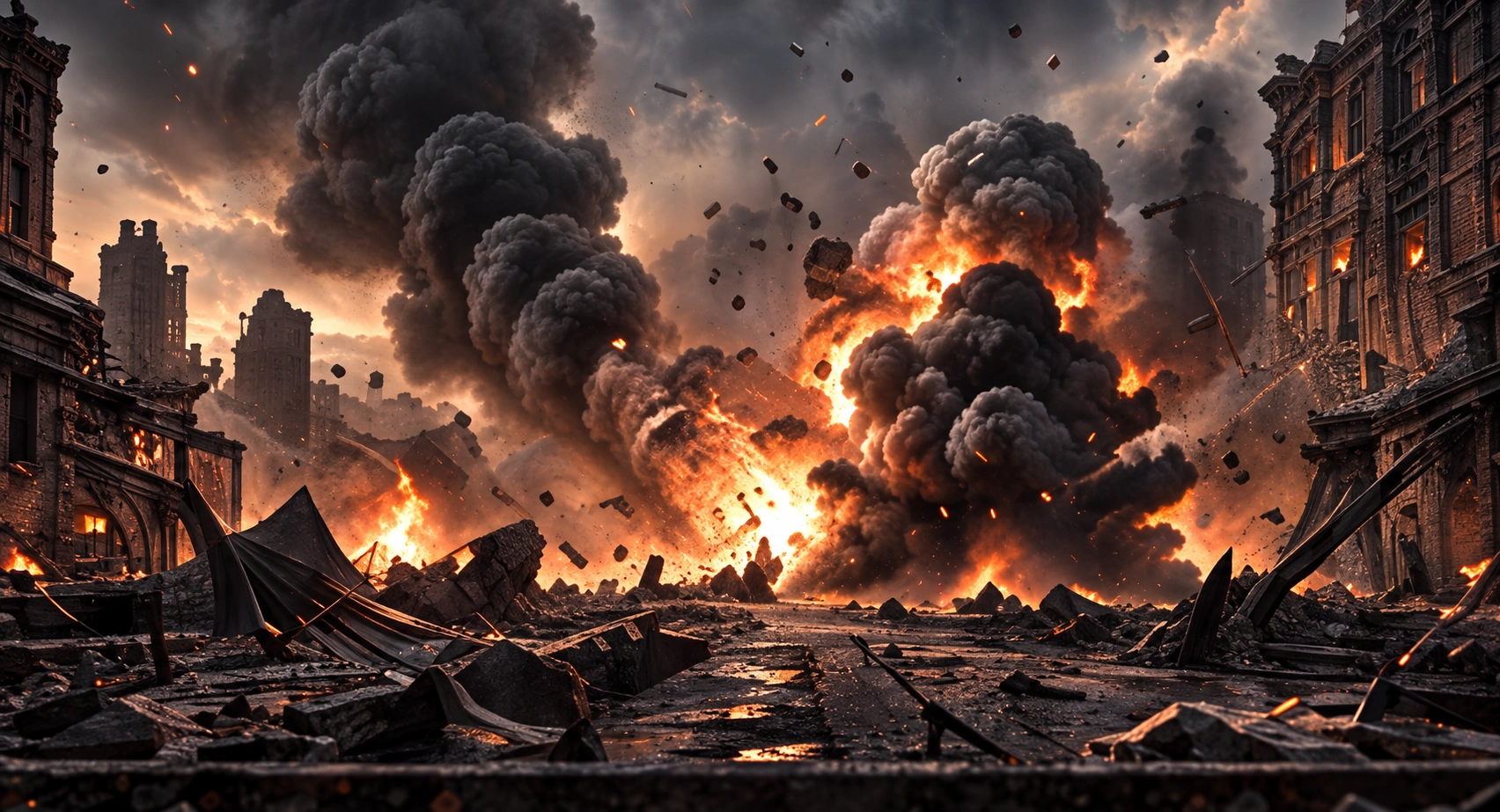

Great for FPS, action games and close-up effects. Sharp transient, clear debris, shorter rumble.
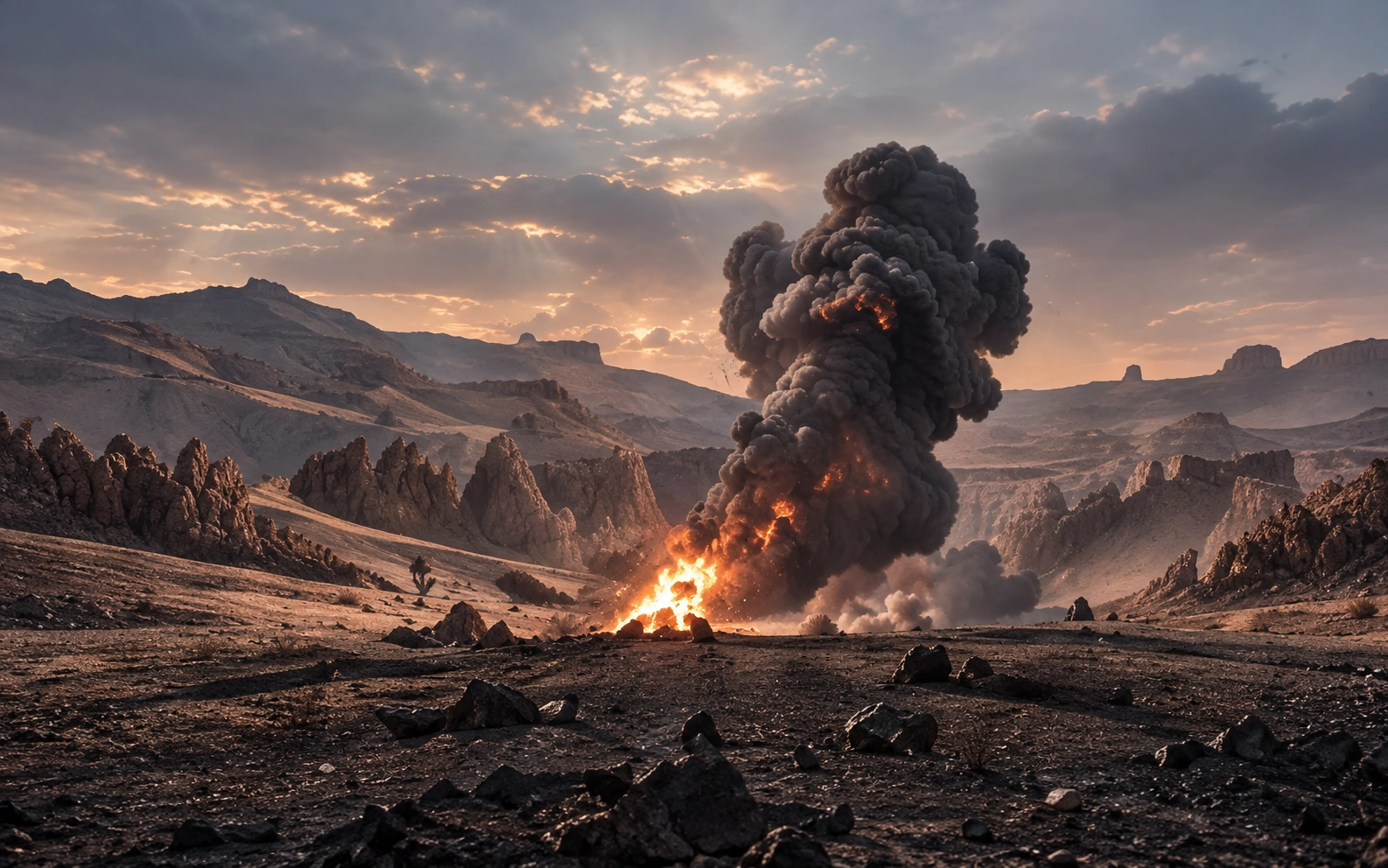
Perfect for open worlds, trailers and film. Softer attack, more atmosphere and a long rumble.
Adjust a few key elements to get the right feel, from tight and immediate to huge and distant.
Close vs. Distant Explosion
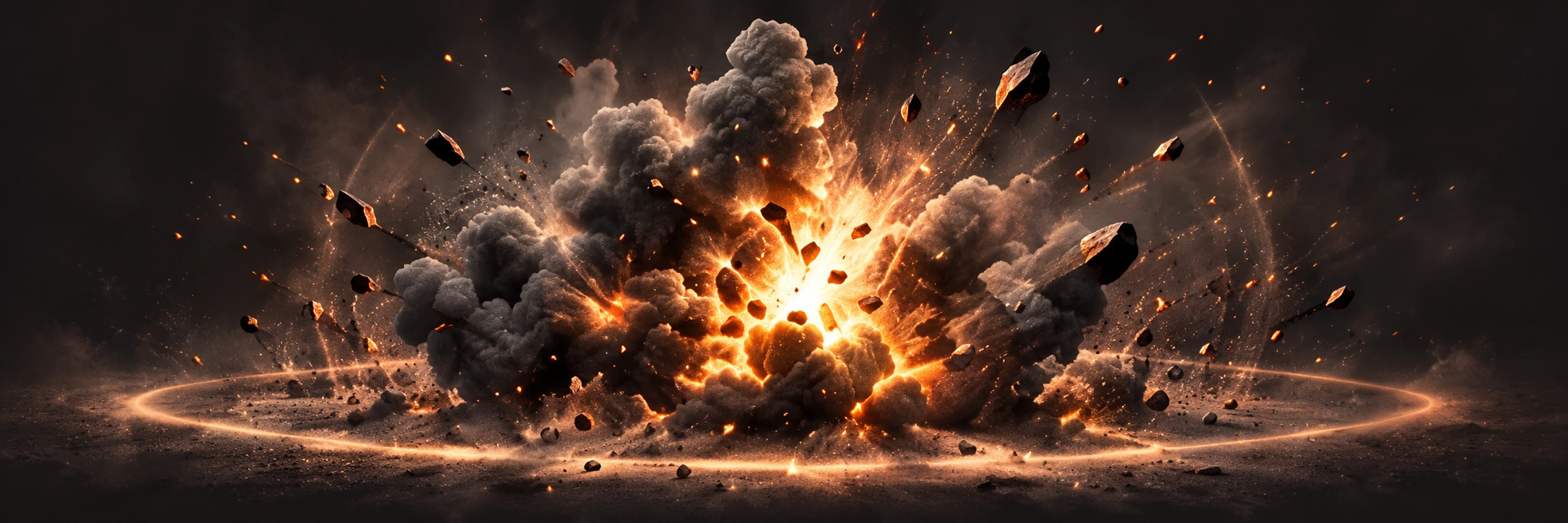
Distance and Tail Length Guide
Try distance and decay to place the explosion in your scene.
Small for tight impacts, large for massive blasts.
Closer sounds are brighter and more detailed. Farther sounds are softer with more atmosphere.
Short tails feel snappy. Longer tails add weight and realism.
For a natural sound, keep the blast loud but short, layer in debris, and let the rumble fade gradually.
Keep your explosion clear, powerful, and ready for any platform.
Avoid Clipping
Explosions have intense peaks. Keep the level in a safe range and leave some headroom to prevent distortion and maintain clarity, especially when layering with other sounds.
Make It Work on All Speakers
A strong low end adds weight, but include mid and high-frequency detail so the impact stays clear on small speakers like phones and laptops.
Keep peaks under control. A clean, unclipped blast sounds bigger and more professional than a distorted one.
Low frequencies add weight, but too much can sound muddy, especially on small speakers. Aim for a strong but controlled rumble.
Frequently Asked Questions
Use a softer attack, reduce high-frequency detail, add more atmosphere or reverb, and lengthen the rumble to create distance.
Include a distinct mid/high-frequency transient at the start, and avoid excessive sub-bass. A balanced mix will translate better to small speakers.
Create high-quality explosion sounds. Uses 1 generation per sound.
Generate custom AI sounds from your description. All ready-made examples were generated with ElevenLabs Sound Effects.
Keep exploring
A different sound for your next idea.